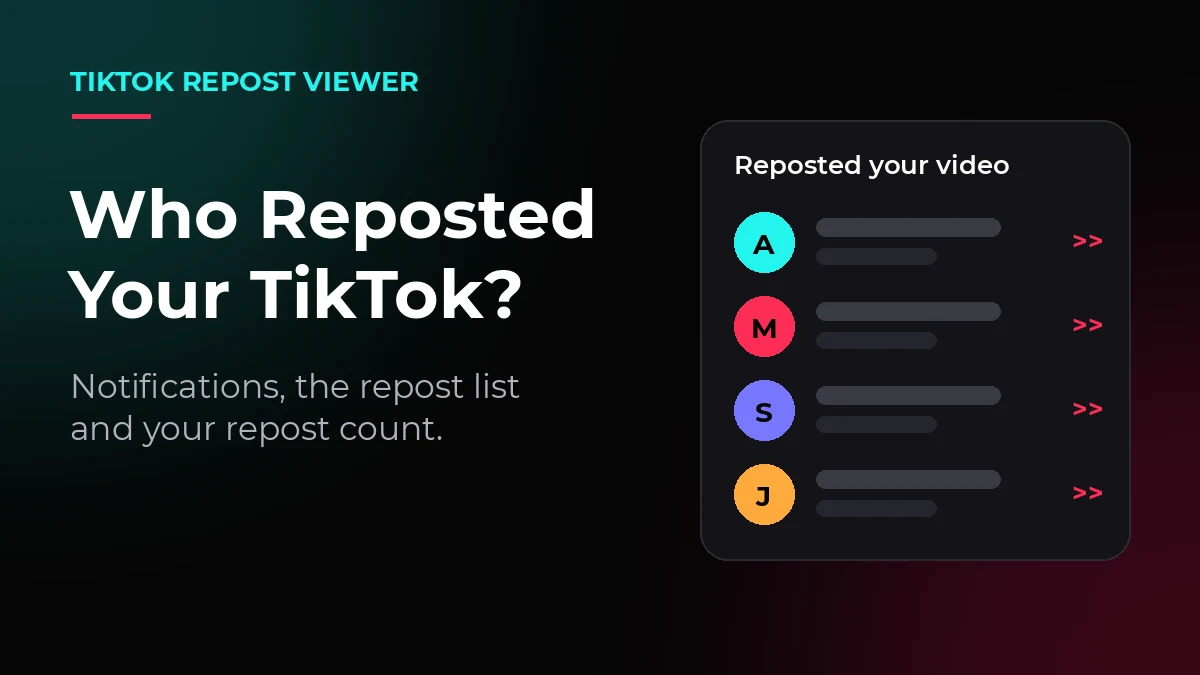
A repost is one of the strongest signals on TikTok, because a viewer chose to recommend your video to their own friends. Knowing who reposted your TikTok helps you thank the right people, spot your most loyal viewers, and understand why a video suddenly started moving. Here is every working way to find them.
Quick Answer - Can You See Who Reposted Your TikTok?
Yes, in most cases you can. Open your video and check the repost area for the accounts that shared it, watch your inbox for repost notifications, and use your video analytics to confirm the repost count. One limit applies to every method: TikTok does not promise a complete name-by-name list for every video, so a private account or a removed repost can stay hidden.
Method 1: Check Your TikTok Notifications
When someone reposts your video, TikTok can record the activity in your inbox. This is the fastest place to look, especially in the first hours after a video starts spreading.
- Open TikTok and tap Inbox at the bottom.
- Open your activity feed and look for repost or share activity on your video.
- Tap the notification to open the account that reposted you.
Notifications are helpful but not perfect. If your inbox is busy, an older repost alert can be pushed far down the list, and TikTok does not send a fresh alert for every single repost. When a notification is missing, use the video itself.
Method 2: Open the Repost List From Your Video
Your video keeps its own repost information. On current versions of the app, the repost count shown with the share actions is also the door to the list of reposters.
- Open your profile and tap the video.
- Look at the repost count shown with the share actions on the right side of the video.
- Tap the repost count or open the share panel to see the accounts that reposted the video, where TikTok shows them.
If tapping the count only opens sharing options, your app version shows reposters in a different place, or does not show them at all. Update the app and check again, because TikTok rolls this feature out in stages.
Method 3: Check Your Repost Count in Analytics
Names tell you who. The count tells you how far the video travelled. Both numbers live with the video itself and inside your creator analytics.
- Open your profile and select the video.
- Read the number beside the repost icon for the quick count.
- For more detail, open TikTok Studio or Creator tools, go to Analytics, and select the video to review its shares next to views, likes and comments.
Checking an account is a different job from checking a video. If you want to know how many videos a public account has reposted in total, enter its username in the TikTok Repost Viewer on our homepage. It lists the reposts it finds for that account, with the count beside the results.
Why You May Not See Every Reposter
Sometimes the count and the name list do not match. Three causes explain almost every missing name.
Private Accounts
A private account can repost inside its own circle without appearing in public lists. TikTok protects that activity, and no creator tool or third-party viewer can reveal it.
Removed Reposts
A repost is not permanent. When someone removes their repost, their name leaves the list, even though the views their share already brought you stay on your video, as explained in who gets the views on a repost.
App Version and Feature Rollout
TikTok tests profile and analytics layouts with groups of users. Two creators can open the same video screen and see different options, so keep the app updated before you assume a list does not exist.
Can You See Who Reposted Someone Else's TikTok?
No. TikTok does not publish a reposter list for videos you do not own, and any website that promises one is guessing. What you can see is the other side of the activity: the reposts that account has made itself.
Open the person's profile and check the Repost tab to see the videos they have shared publicly, or follow our guide on how to view reposts on TikTok for the app, PC and browser methods.
Who Reposted Your Video Is Not Who Viewed It
Creators often mix up two different questions. Reposters can be found because a repost is a public action. Viewers are never listed, because watching stays private. If your real question is whether TikTok shows who watched a repost, our guide on whether someone can see if you view their reposts gives the full answer, and your own repost privacy is covered in who can see your reposts on TikTok.
Conclusion
Start with your notifications, confirm the names on the video itself, and use analytics when you need the full count. You will not catch every private or removed repost, and that is normal. The reposters you can see are still the most useful list a creator gets: they are the people already recommending your videos to their friends.
Frequently Asked Questions
Can you see who reposted your TikTok?
Yes, in most cases. Check your inbox for repost notifications, then open the video and tap the repost count to see the accounts that shared it, where your app version shows them.
Does TikTok notify you when someone reposts your video?
TikTok can show repost activity in your inbox, but an alert is not guaranteed for every repost. If a notification is missing, check the repost list on the video itself.
How can I see how many reposts my TikTok has?
Open the video and read the number beside the repost icon, or open the video in TikTok Studio analytics to see its shares next to views, likes and comments.
Can I see who reposted a TikTok that is not mine?
No. A reposter list belongs to the video's creator. For other accounts you can only view their own public reposts, under the Repost tab on their profile.
Why is a reposter missing from my list?
The account may be private, the repost may have been removed, or your app version may not show the full list yet. Update the app and check the video again.